If this, then that
Trigger on a keyword, a channel, a customer attribute, an SLA breach or an inactivity timer, then assign, tag, reply, escalate or close.
Rules that assign, tag, escalate and follow up on their own, plus chatbot flows for the paths you want handled exactly the same way every time.
No code requiredNo credit card requiredLive in under 5 minutes
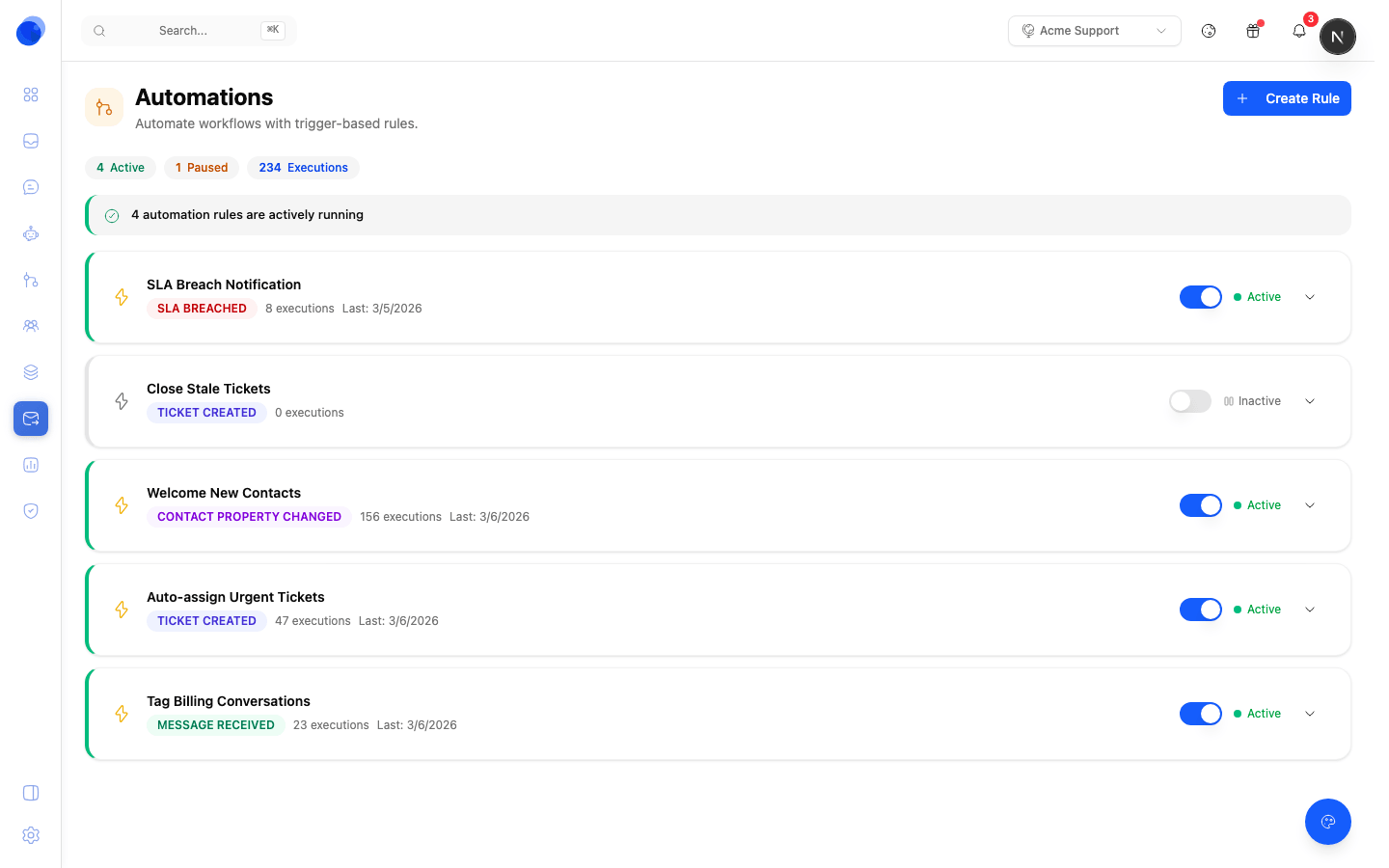
Triage, tagging, chasing and closing are predictable, repetitive, and exactly the sort of thing a person should not spend a morning on.
Trigger on a keyword, a channel, a customer attribute, an SLA breach or an inactivity timer, then assign, tag, reply, escalate or close.
Send billing to finance and integrations to engineering, with a fallback so nothing lands in nobody's queue.
Build the paths you want handled identically every time, such as collecting an order number before anyone picks it up.
Chase a customer who went quiet, close a thread after a set period, or nudge a teammate before an SLA breaches.
Call a webhook or your own API as a step, so a rule can create the ticket, refund the order, or update the CRM.
Each rule carries its own run count and log, and switches off on its own. A rule doing nothing, or the wrong thing, is easy to spot and easy to stop.
The person who knows the routing rules is the support lead, not an engineer. The builder is visual, so writing a rule does not need a sprint.
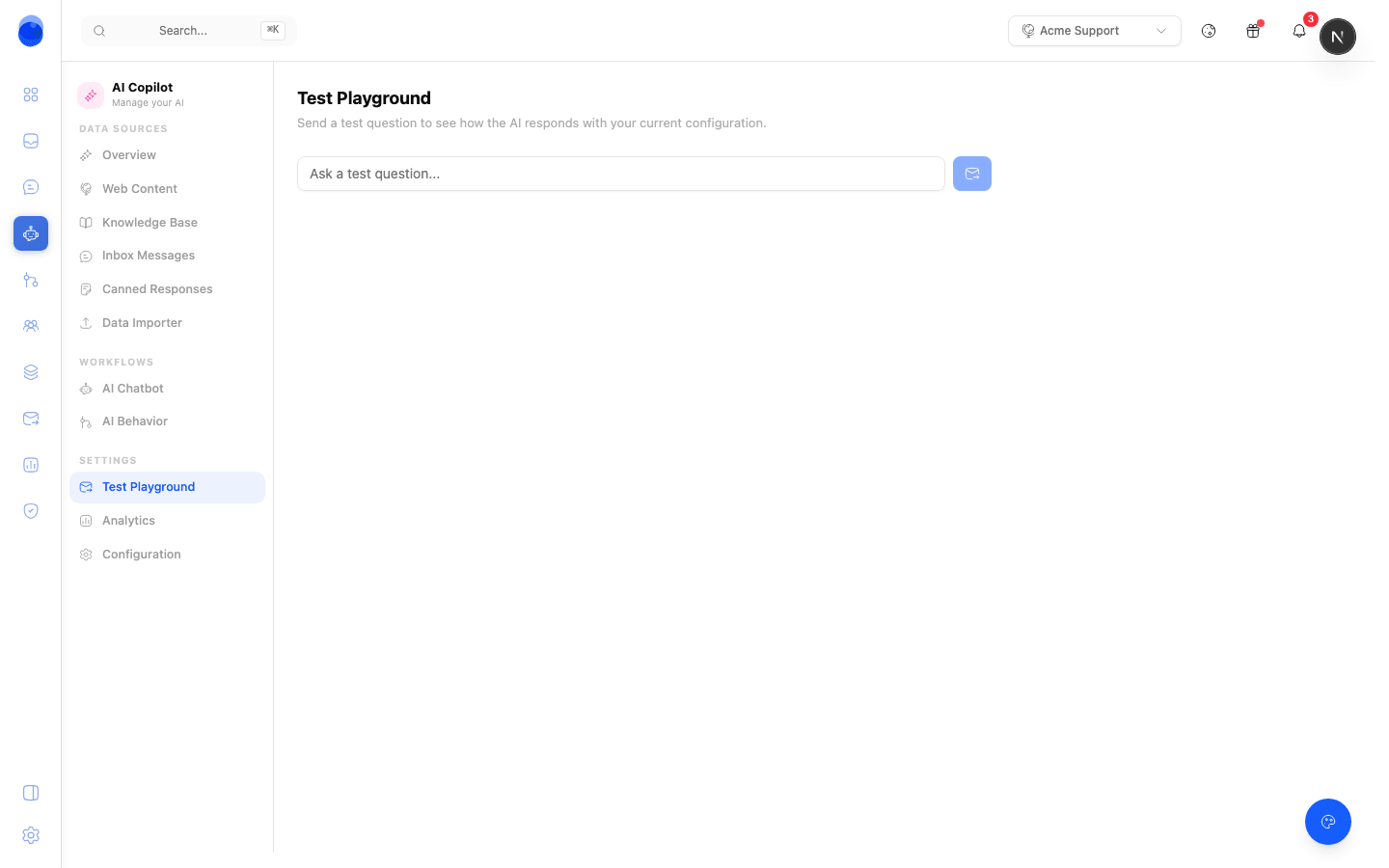
An automation you cannot audit is one you will eventually turn off. Every rule that touches a conversation leaves its name on the thread.
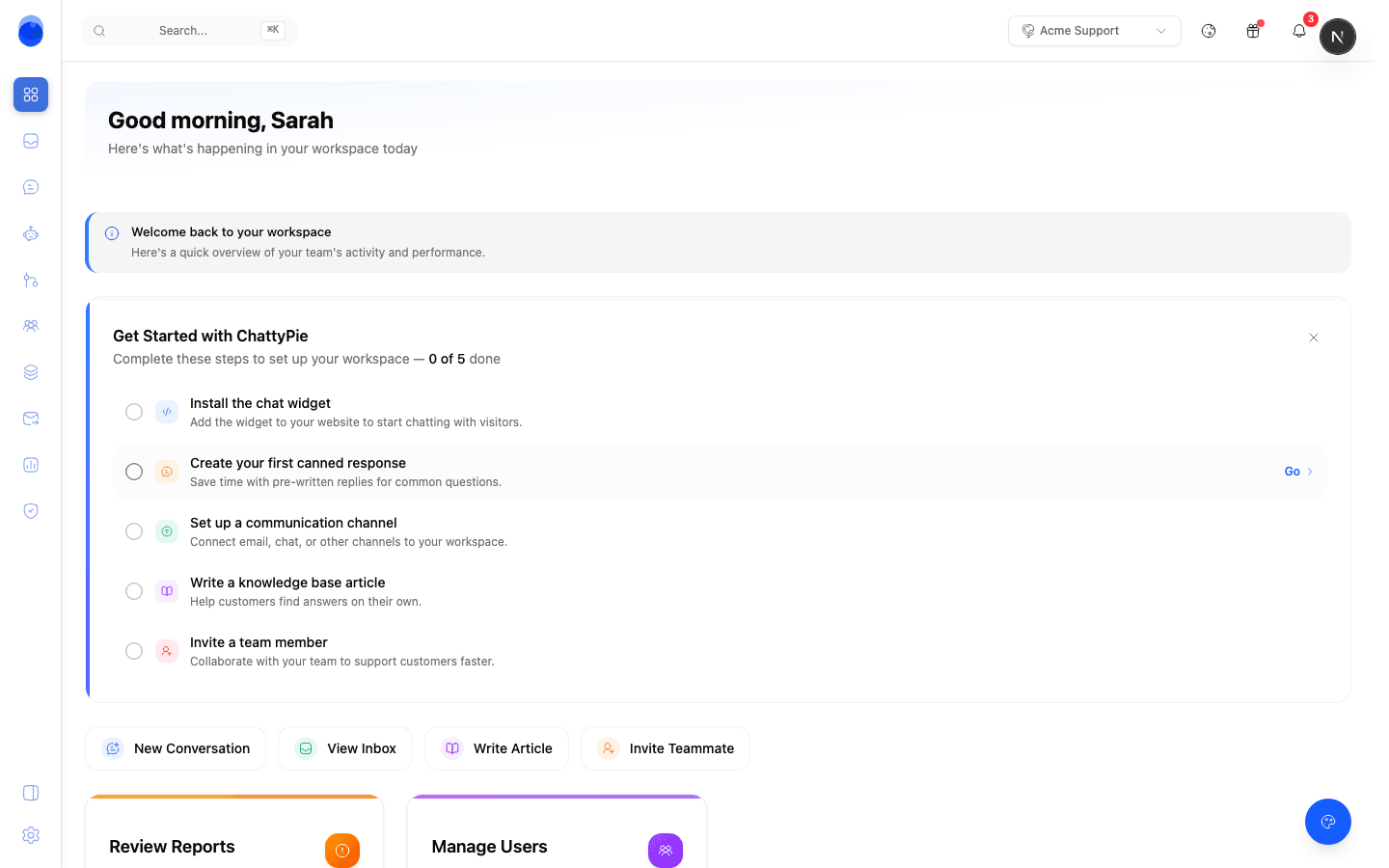
Start with the rule you would write first if you had the time.
Usually routing by topic, or chasing customers who went quiet. One rule is enough to feel the difference.
Set the conditions and the actions in the visual builder. Start with a narrow condition so the first version touches few conversations.
Every rule logs what it touched, so you can tell within a day whether it is helping or needs a condition tightening.
No. The builder is visual and the conditions are the ones a support lead already thinks in: channel, keyword, customer attribute, SLA state. Webhooks are there when a rule genuinely needs to reach your own systems.
Yes. Every rule that touches a conversation logs its name and action on the thread, and each rule carries a count so the ones doing nothing are easy to spot.
Any teammate can override on the thread, and you can turn a single rule off without touching the others. Start with a narrow condition and widen it once the log shows the rule doing what you expected.
Automations are deterministic: the same input always produces the same action, which is what you want for routing and SLA work. The agent handles the open-ended questions where the answer is not a rule.
No. Chattypie is hosted by us.
Free plan, no code, and your first routing rule live in about five minutes.