Overview worth opening daily
Conversation volume, first response time and resolution time, over whatever date range you ask for.
Resolution rates, first response and resolution times, per-agent workload, CSAT and SLA breaches, over any date range and exportable to CSV. Reporting built for deciding something, not for filling a slide.
Reporting from day oneNo credit card requiredLive in under 5 minutes
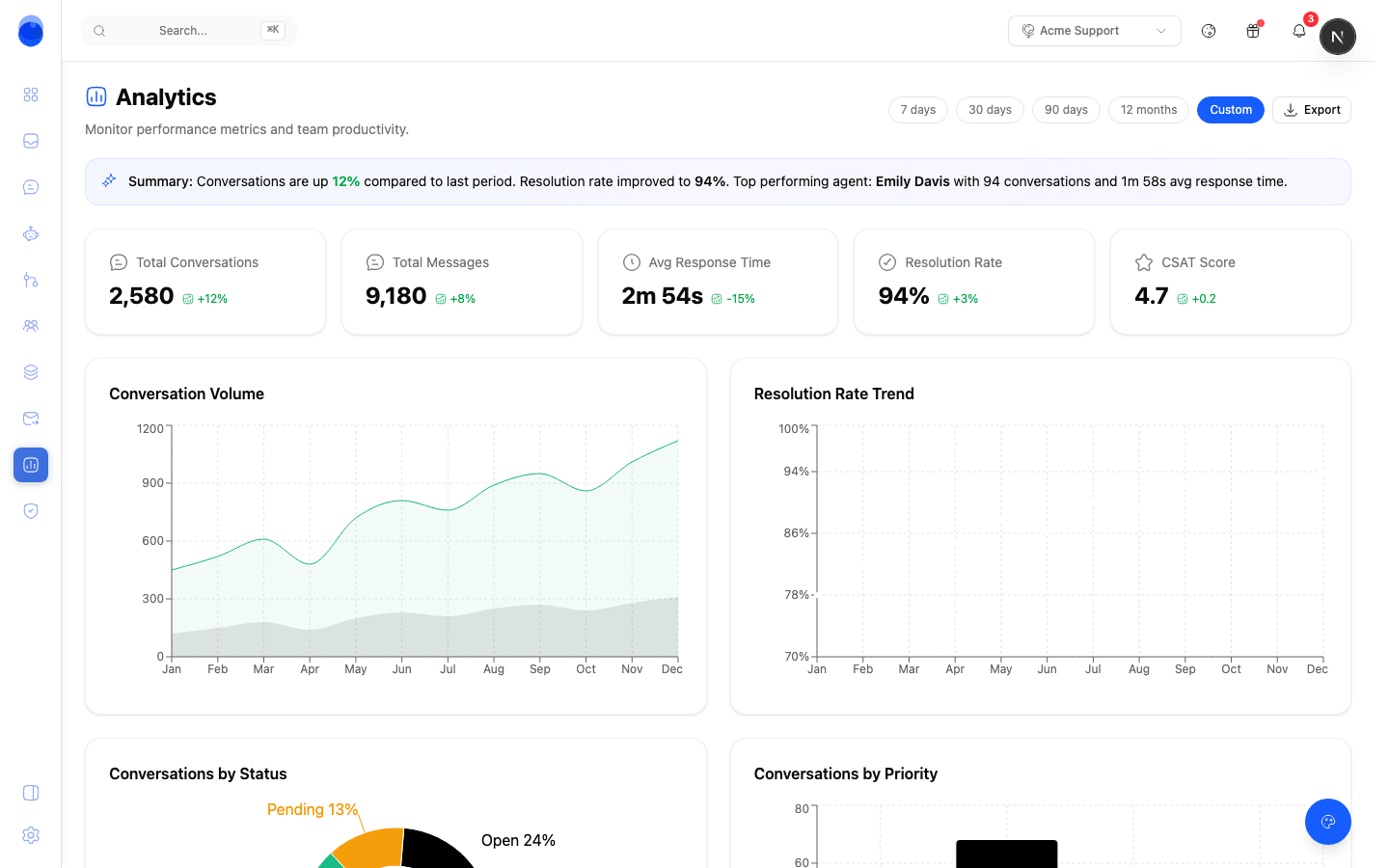
Volume charts are easy and mostly useless. What changes how you staff is knowing how fast you actually answer, how that load is split across the team, and which promises you are missing.
Conversation volume, first response time and resolution time, over whatever date range you ask for.
See how volume splits across your channels — live chat, email, WhatsApp and the rest — over any date range, so you can staff the ones that carry the load.
Who is carrying the queue, who is holding conversations open, and where work is piling up before anyone has to say so.
How many conversations met each policy and how many breached it, over the period you are looking at.
What the agent closed on its own, how often it escalated, and what it cost in tokens, reported separately from your team's numbers.
Satisfaction from real post-conversation surveys, plus a per-conversation CX score so a bad experience is findable, not just averaged away.
Every view exports to CSV, so the numbers can go into your own warehouse or a board deck without being retyped.
The same question arriving fifty times is a product problem wearing a support costume. Topics cluster on their own, so a spike shows up as a spike rather than as a busy week.
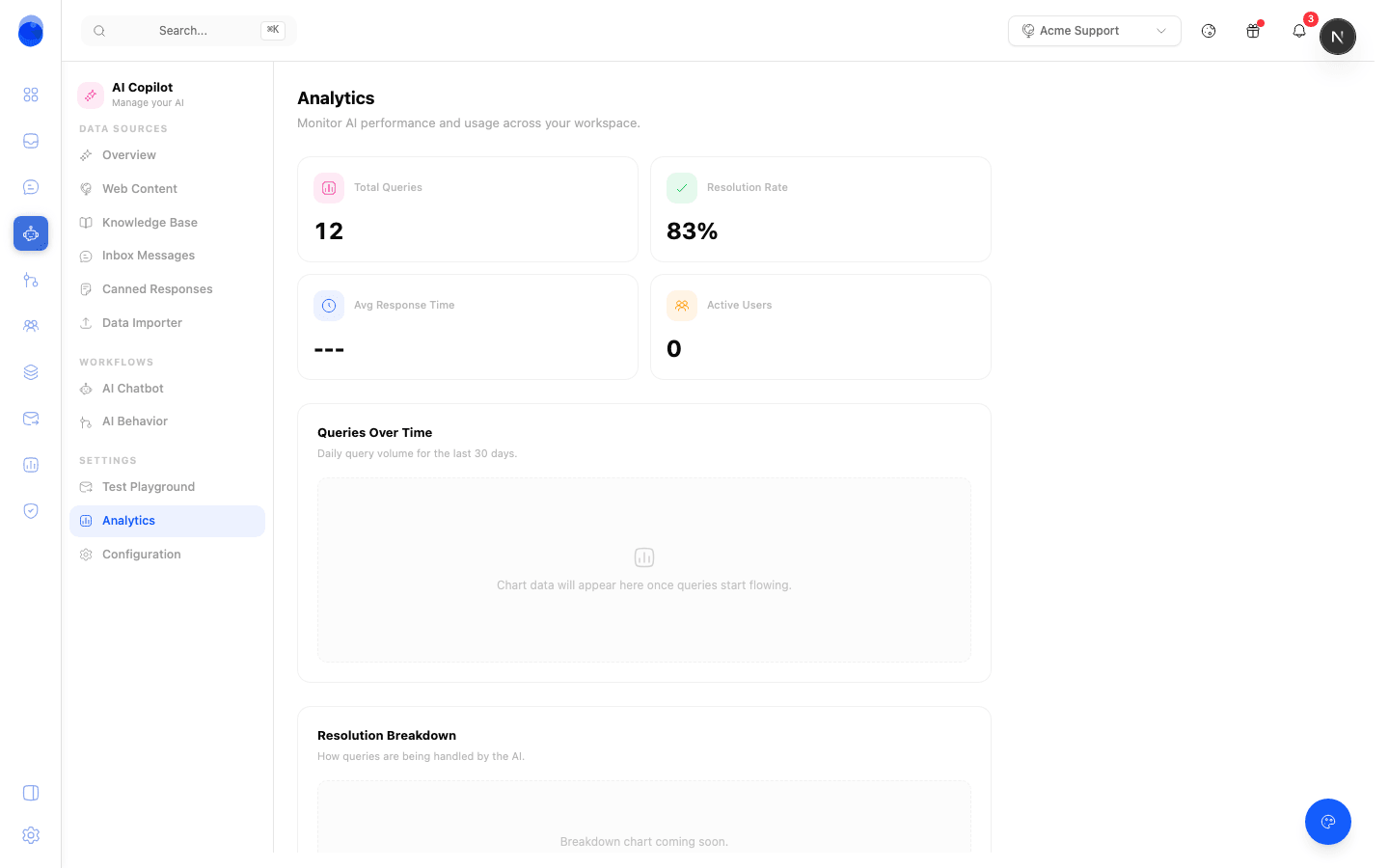
A team average hides the person answering twice their share, and the one quietly stuck. Per-agent reporting shows the distribution rather than the mean.
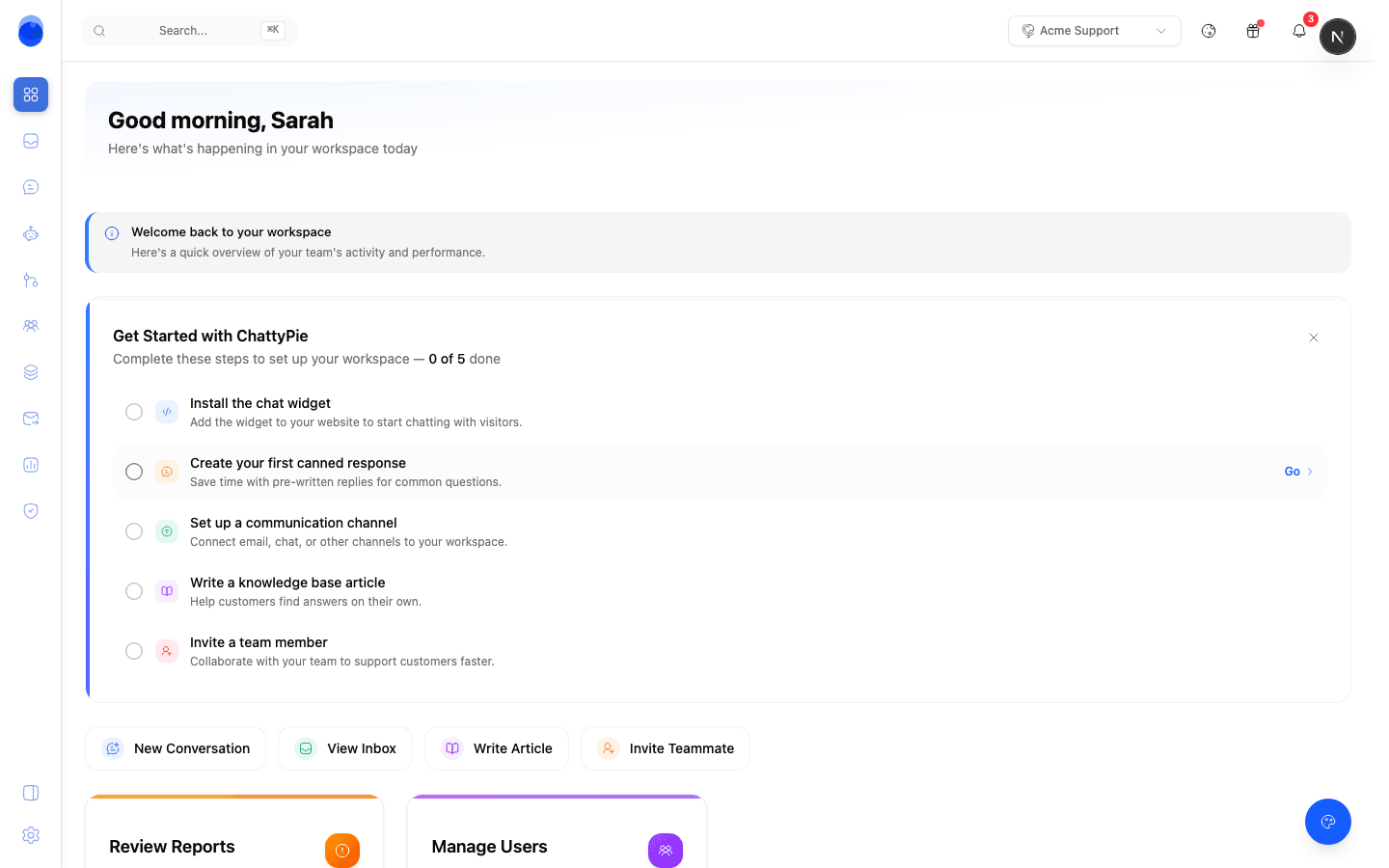
Reporting starts the moment conversations do. There is nothing to instrument.
Volume, response times and workload populate from the queue itself. No tracking plan and no events to define.
A post-conversation CSAT survey and a first-response target are what turn a volume chart into a performance one.
Read the topics and the agent's escalation rate as a backlog: what to document, what to automate, and where to staff.
No. Volume, response and resolution times and per-agent workload come from the conversations themselves. CSAT needs a survey turned on, and SLA reporting needs a policy defined, because both measure something you have to choose first.
Yes. Every view exports to CSV, and the REST API exposes the same figures if you would rather pull them into your own warehouse on a schedule.
Yes. The agent's resolution and escalation rates are reported separately from your team's numbers, along with its token usage, so you can see what it is closing and what it costs.
Reporting covers your full conversation history on the workspace, and every view takes a start and end date, so you can look at yesterday or at the whole year.
No. Chattypie is hosted by us.
Free plan, no credit card, and your first numbers within a day of going live.